
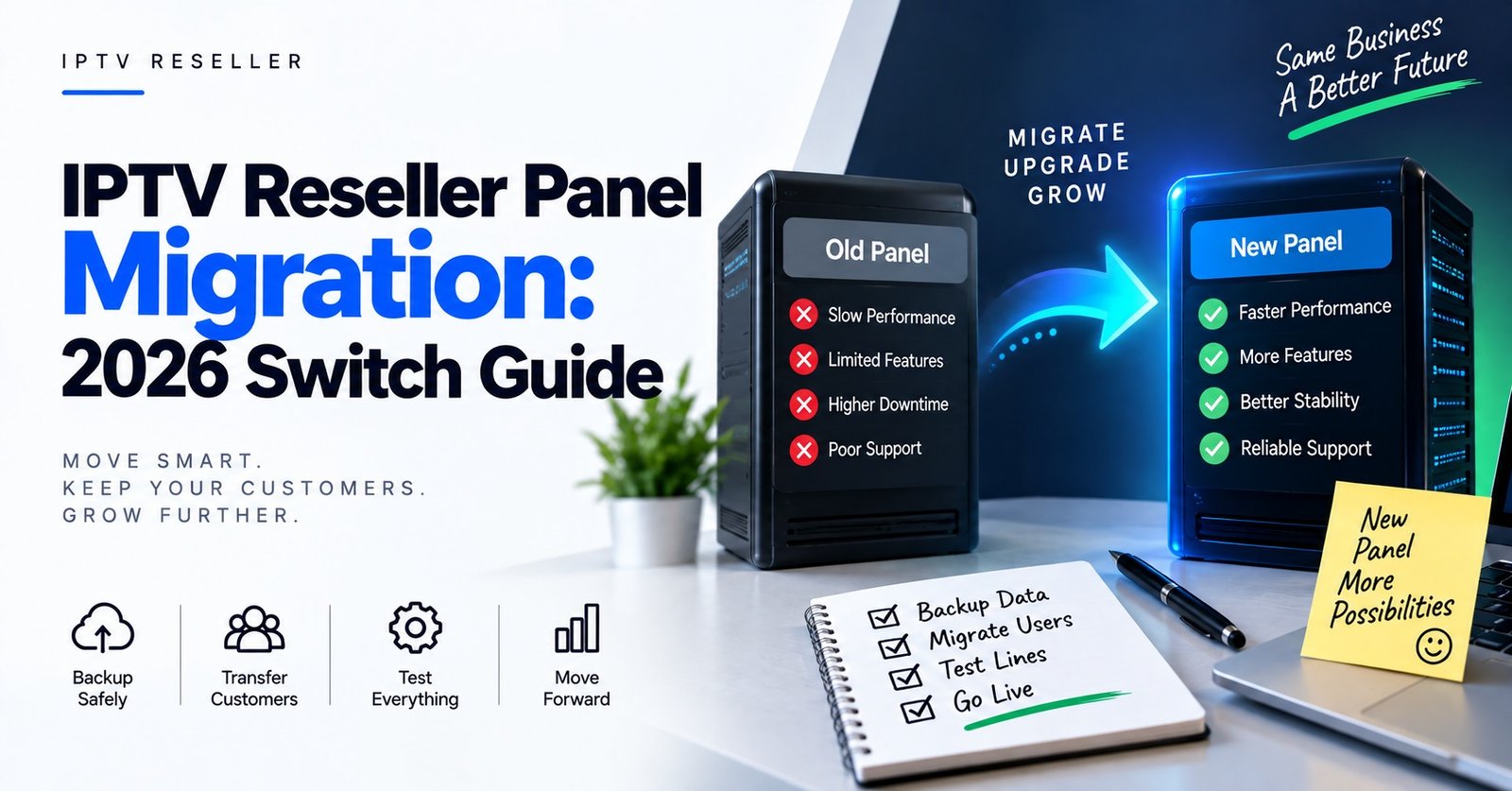
An IPTV Reseller Panel Migration moves your business, not your data. Credits do not transfer between providers, existing subscriber lines cannot be lifted across, and every customer on your list will need fresh connection details entered on their device. What you are actually migrating is a customer list and a support relationship. That is where the work sits, not in the dashboard.
So before comparing panels, check where your customer records live. If the only place you can see who bought what, at what price, on which device, and when they expire is the old provider’s dashboard, fix that first and copy it into your own spreadsheet. Everything after that is sequencing: who moves first, what they are told, and how long you are willing to pay for two panels at the same time.
What transfers, and what dies with the old panel
Nothing technical comes with you. Each panel provider runs its own infrastructure, its own credit ledger and its own line database. A username created on one provider’s system has no meaning on another. There is no export file you can hand over, and any provider claiming they can import your existing lines from a competitor should be asked exactly what they mean by that, because in practice it usually means they will bulk-create new lines for you, which is not the same thing.
The things that do carry over are the ones you built yourself: the customer relationship, your pricing, your reputation for answering messages, and whatever records you have kept outside the dashboard. Resellers who treat the panel as their CRM discover during migration that they own very little.
Unused credits are the other hard edge. Credit policies vary by provider, and some panels apply expiry rules while others do not, so read your current terms before you buy anywhere else. Whatever the policy, credits sitting on a panel you are leaving are money you can only recover by continuing to sell on that panel. That alone is a strong argument against migrating everyone in one weekend.
Test the new panel with your own line before a single customer hears about it
Buy the smallest credit allocation the new provider offers and create a line for yourself. Then test it the way your customers actually watch, not the way a sales page describes it.
A reasonable test sequence over a few days:
- Set up the line on the device types your customers genuinely use, not just the one you find easiest.
- Check it during the evening hours in the country where most of your subscribers live, not during your own quiet afternoon.
- Load the programme guide and see whether timings are accurate and populated for the categories your customers care about, since guide data is one of the most common causes of complaints after a switch.
- Open a second connection on the same line to confirm the connection limit behaves as described.
- Send a genuine support question to the new provider at an awkward hour and time the reply. You are buying their support desk as much as their infrastructure.
- Change a line’s expiry, rename it, and disable and re-enable it, so you know which routine actions are possible without contacting anyone.
Write down what you find. If you later publish your own screenshots of these steps on your site, that record becomes a page competitors cannot copy from a sales sheet.
| Check before you move | Why it matters during migration |
|---|---|
| Credit expiry and top-up terms | Decides whether you must run down the old balance first |
| Connection limits per line | Households with several devices will complain immediately if this drops |
| Line editing permissions | If you cannot extend or rename lines yourself, every renewal becomes a support ticket |
| Sub-reseller controls | Determines whether your downline can be moved at all |
| Support response time at peak hours | Migration week is when you will need it most |
Pro tip: Keep one of your own test lines active on the old panel for a few weeks after the last customer moves. It gives you a reference point when someone insists the new service is worse, and it lets you check whether the problem is the panel or the customer’s connection.
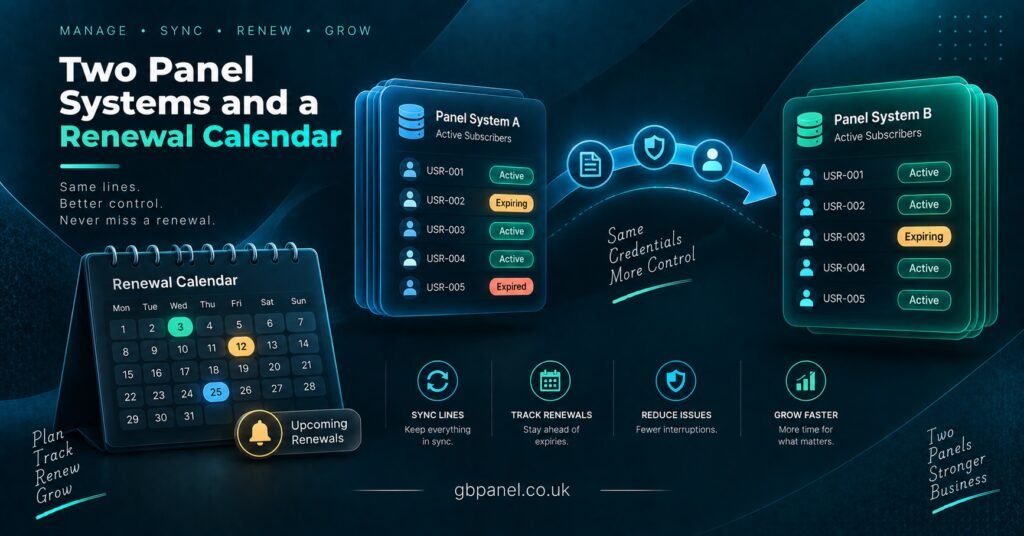
Timing an IPTV Reseller Panel Migration around renewal dates
The cheapest migration is the one that follows your existing renewal calendar. Rather than announcing a switch to everyone, you simply stop creating new lines on the old panel and issue every renewal on the new one. A customer whose subscription ends this month gets new details this month as part of a renewal they were expecting anyway. Nobody is asked to reconfigure a device they paid for and are still using.
Migrating in waves
Sort your customer list by expiry date and work through it in groups. Start with the subscribers who are easiest to support: the ones on devices you know well, the ones who reply to messages quickly, the ones who have never raised a ticket. If something about the new panel is wrong, you find out with a small group rather than your entire base. Leave the difficult accounts until you have your instructions polished, and handle those individually.
The trade-off is duration. If you sell annual subscriptions, a pure renewal-led migration can take a full year, and you will be paying attention to two dashboards for that whole period. Most resellers compromise: renewal-led for the majority, plus a voluntary early move for anyone who is already unhappy with the current service.
When you cannot wait
Sometimes the decision is made for you. A panel becomes unreliable, support goes quiet, or terms change in a way you cannot pass on to customers. In that situation the sequence compresses but does not change: verify the new panel with your own line first, prepare the message and the setup instructions before you send anything, then move customers in batches of a size you can personally support in an evening. Sending new credentials to your whole list at once guarantees that the ten people who need help will be buried under the ninety who are just confirming receipt.
This is also the argument for keeping a small, funded account on a second panel at all times. It is not an expense so much as an insurance policy, and it means an emergency cutover starts from a tested position rather than a cold one. If you are evaluating where that second account should sit, the IPTV reseller panel and credit options on gbpanel.co.uk are a reasonable place to begin your comparison.
What to actually say to customers
Silence is what turns a routine switch into churn. A customer whose service stops working without explanation assumes you have disappeared with their money, and they say so publicly.
Keep the message short and practical. Tell them the service is moving to updated infrastructure, that their subscription period is unaffected, that new login details are attached, and roughly how long the change takes on their device. Give a specific window for support. Avoid technical explanations about panels and providers, because most subscribers have no mental model for any of it and the detail only raises questions.
What you should not do is oversell the change. If you promise a noticeably better picture or fewer interruptions, you have created a standard you cannot control, and the first ordinary buffering event during a busy evening becomes evidence that you lied. Say the change is an infrastructure update and leave the performance claims alone.
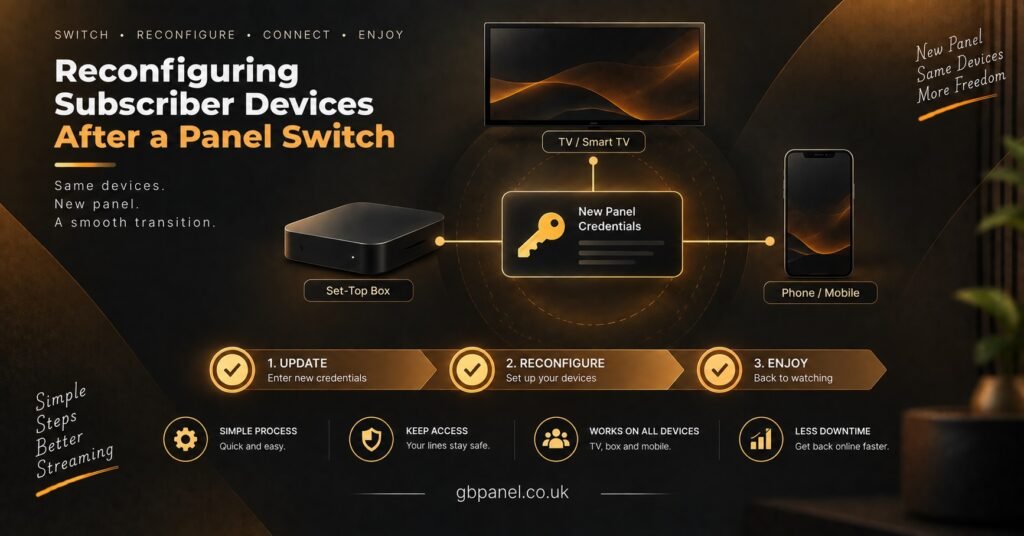
The reconfiguration step that generates your tickets
Everything technical that goes wrong in migration happens on the customer’s device, not on the panel.
Most player applications let a user hold more than one playlist or profile at a time. Where that is the case, tell customers to add the new details as a second entry rather than deleting the old one. If the new service does not work for them, they can switch back while you sort it out, which removes the panic from the whole process. Delete the old entry a week later.
The harder cases are predictable, so plan for them in advance:
- Devices where the playlist was entered by you at the point of sale, and the customer has never touched the settings.
- Applications tied to a device identifier, where changing the source involves the app’s own portal rather than the device itself.
- Older set-top boxes where entering a long username and password using a remote control is genuinely painful. Shorter credentials, where your panel lets you set them, save an enormous amount of time here.
- Customers who watch on a television in a room with no reliable way to type. These are the ones to phone rather than message.
Pro tip: Write your setup instructions once, for the three device types that cover most of your base, and keep them as short numbered steps with no explanation of why. Send the relevant one with the credentials rather than waiting to be asked.
If you have sub-resellers under you
A downline changes the arithmetic completely. You are not migrating your own customers, you are asking independent sellers to migrate theirs, on your timetable, for reasons that benefit you. Some will refuse, and some will use the disruption as a reason to go direct to a panel provider themselves.
Before committing, confirm what the new panel actually permits at sub-reseller level: whether you can create sub-accounts at all, what credit pricing you can set for them, whether they can extend their own lines, and whether the provider can see or contact the customers underneath them. Then give your sub-resellers more notice than you give end users, and more overlap time, because their support burden is larger than yours and it lands on them at the same moment.
If a sub-reseller decides to stay behind, that is a business relationship ending, not a technical problem. Decide in advance whether you are willing to keep the old panel funded for them and on what terms.
Signs the new panel is not worth the disruption
Migration always costs you something in support hours and goodwill, so the destination needs to be clearly better rather than marginally different. Reconsider if you notice any of the following while testing:
- Vague or unwritten answers about credit terms, expiry, or what happens to your balance if you stop buying.
- No ability to create a trial or test line before you commit meaningful money.
- Support that responds well before a sale and slowly afterwards, which is easy to check by simply asking a routine question a week after you buy your first credits.
- Pressure to buy a large credit block immediately at a discount you can only access once.
- A dashboard where routine actions such as extending a line or changing a password require contacting the provider.
- Unwillingness to explain where the service is operated from or who is responsible for it.
Worth stating plainly: IPTV is a delivery technology, and the legality of any given service depends on whether the underlying content is properly licensed and on the requirements that apply where you and your customers are located. That question does not change when you move panels, and any provider who treats it as irrelevant is telling you something about how they run their business.
Frequently Asked Questions
Can I move unused credits to a new panel provider?
No. Credits are an internal balance on one provider’s system and have no value anywhere else. Check your current provider’s terms on expiry, then plan to spend the balance down through renewals before your final cutover date.
Will my customers keep the same username and password?
Not unless you deliberately recreate them and the new panel allows you to choose credentials. Even then, the server address changes, so the device still has to be reconfigured. Assume every subscriber needs new details entered.
How long should I keep paying for the old panel?
Long enough to cover the slowest customers in your final wave, plus a short buffer. Many resellers keep the old account alive with a single test line for a few weeks after the last move, as a comparison point when complaints arrive.
Can I switch a customer mid-subscription without refunding them?
Practically, yes, provided you honour the remaining time on the new panel and say so clearly. Problems arise when the customer paid for something specific they no longer receive, so check that anything they were promised at the point of sale still exists on the new service before you move them.
Is it better to migrate everyone at once or gradually?
Gradually, in almost every case. Batching by renewal date spreads the support load, avoids paying twice for the same customer, and limits the damage if the new panel turns out to be a poor fit. Only compress the timeline when the current panel has genuinely stopped being usable.
Where the decision really sits
An IPTV Reseller Panel Migration is a customer management exercise wearing technical clothing. The dashboard side takes an afternoon. The part that decides whether you finish the year with the same number of subscribers is your record keeping, your timing against renewal dates, and how clearly you explain a change that your customers never asked for. Providers differ, and some will suit your base better than others, but no panel can protect you from a rushed cutover or from a customer list that only exists inside someone else’s system.
If you are at the evaluation stage, do the unglamorous thing first: export your customer list with expiry dates and device types into a file you control. Then buy the smallest credit package the new provider sells, live with it yourself for a week, and decide with evidence rather than a sales page.
Migration Cutover Checklist
- Customer list exported to your own file, with name, contact method, price paid, device type and expiry date
- Old panel credit balance checked against its expiry terms and a spend-down plan agreed
- Your own test line running on the new panel across your customers’ most common devices
- Peak-hour behaviour observed on at least two separate evenings in your main market
- Programme guide accuracy confirmed for the categories your subscribers actually watch
- Support response time tested once before purchase and once afterwards
- Customers sorted into waves by expiry date, easiest group scheduled first
- Short setup instructions written for your three main device types
- Message drafted that states the subscription period is unaffected and gives a support window
- Sub-resellers notified ahead of end users, with their permissions on the new panel confirmed
- Old panel kept funded with a single test line for a defined overlap period
- A named date set for closing the old account, rather than leaving it drifting
[…] IPTV panel resellers change their panel password every month and feel safer for it. The same NIST standard says users […]