
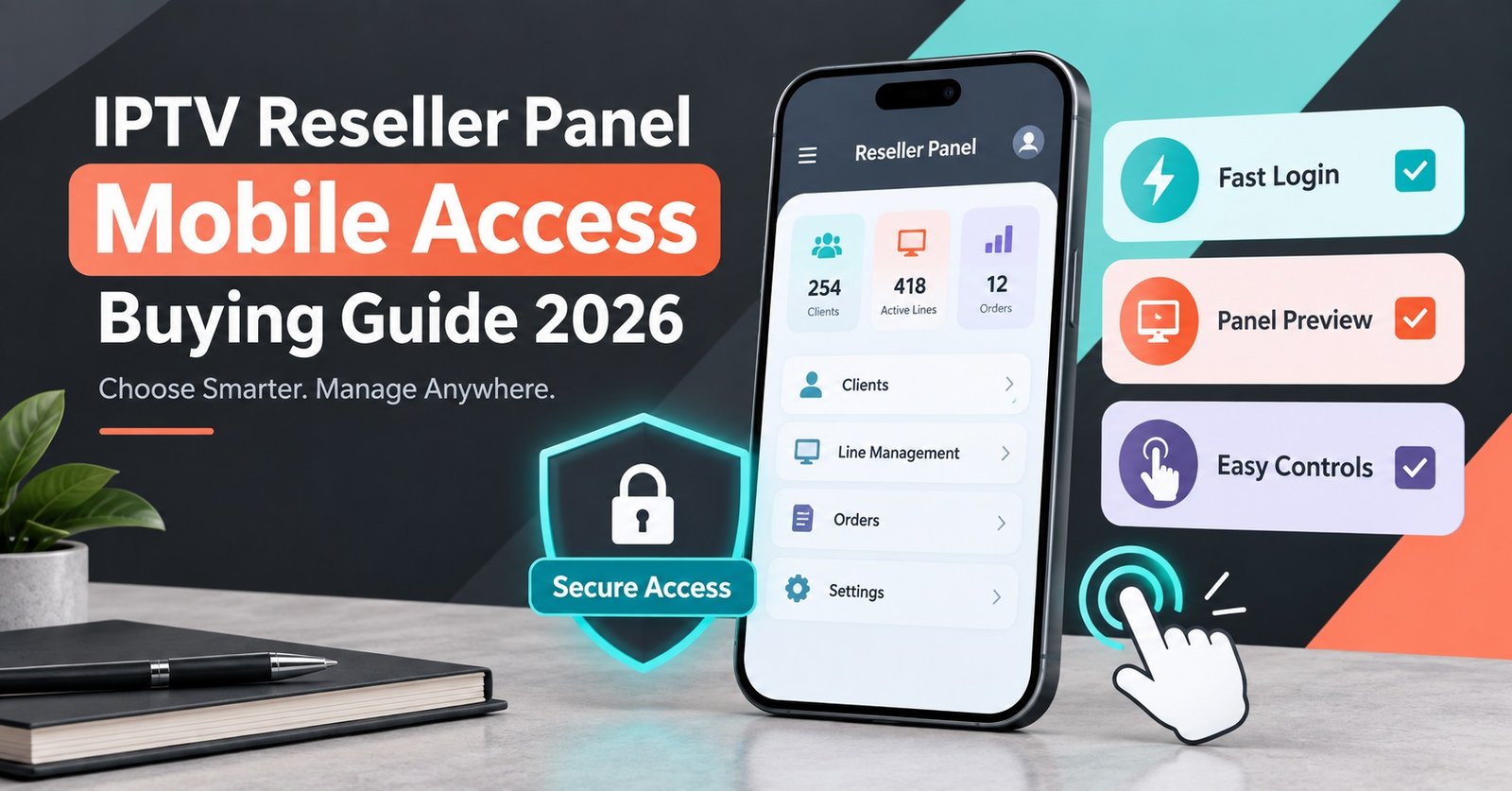
IPTV Reseller Panel Mobile Access usually means one of two different things, and buyers rarely find out which one they are getting until after they have paid. Some panels give you a proper mobile app with account creation, renewals and credit tracking built in. Others give you a browser-based dashboard that technically loads on a phone but was never designed for a small screen, so half the buttons sit off the edge and renewing an account becomes a two-handed job.
That distinction matters more than most sales pages let on. If you manage customers from your phone between other jobs, a dashboard that only behaves properly on a laptop is going to slow down exactly the moments when speed matters, like renewing an account before a customer messages you asking why their service has stopped. Before choosing a panel on the strength of a features list, it is worth working out which version of mobile access you are actually being sold.
What IPTV Reseller Panel Mobile Access Actually Covers
There is no single standard here. When a provider says their panel has mobile access, that claim can cover anything from a fully native app with push notifications for expiring accounts, through to a responsive web page that simply resizes to fit a phone screen, right down to a plain admin panel that was built for desktop and just about scrolls on mobile without crashing.
The gap between these matters for day-to-day use. A native app or a genuinely responsive dashboard lets you create an account, check your credit balance and renew a customer while you’re stood in a shop queue. A desktop-only panel forces you to wait until you’re back at a computer, which is fine if you only manage a handful of accounts but becomes a real bottleneck once your customer base grows past what you can hold in your head.
Browser Access Versus a Dedicated App
Most IPTV reseller panels take one of two routes for mobile use, and each comes with trade-offs worth knowing before you pick a package.
A browser-based dashboard, accessed through your phone’s normal browser, tends to update instantly whenever the provider changes the software, since there is nothing to install or update separately. The downside is that responsiveness varies enormously. Some are built with mobile screens in mind from the start; others are a desktop layout squeezed into a smaller viewport, with tiny tap targets and tables that need constant sideways scrolling.
A dedicated app, where one exists, generally gives a smoother experience for repeat tasks like renewals and status checks, and can offer notifications for expiring accounts that a browser tab cannot. The trade-off is that you’re dependent on the provider keeping that app updated and compatible with current phone software, and not every panel offers one at all.
Neither approach is automatically better. What matters is whether the one your provider actually offers fits how you work.
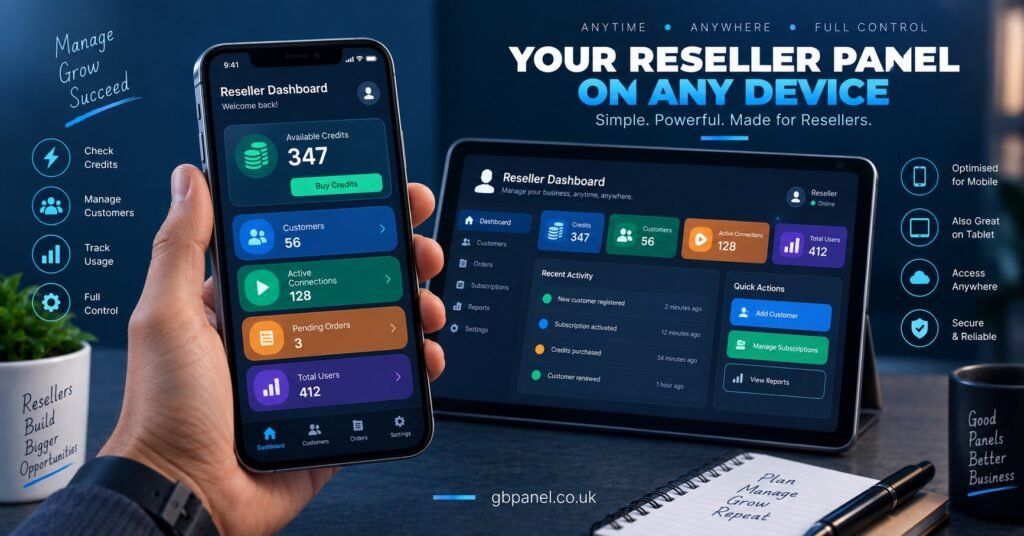
What To Test Before You Commit To a Package
Sales pages describe mobile access in the best possible light, so the only reliable way to know what you’re actually getting is to test it yourself before paying for a package, not after.
| Test | What to look for | Why it matters |
|---|---|---|
| Load the dashboard on your own phone | Does it fit the screen without pinching or sideways scrolling | Tells you if it was built mobile-first or just tolerates mobile |
| Create a test account (if permitted) | How many taps it takes from login to a live account | A slow flow on desktop becomes painful on mobile |
| Check renewal from an account row | Whether renewal is one tap or buried in menus | Renewals are the task you’ll repeat most often |
| Test on mobile data, not just wifi | Whether the dashboard still loads quickly | Many resellers work from vans, shops or on the move |
| Ask about app availability directly | Whether there’s a real app, and for which phone operating systems | Sales copy often implies an app that doesn’t fully exist |
Most providers who genuinely built for mobile will let you see this before you buy, either through a demo login or a short call where they screen-share the dashboard on a phone. If a provider is reluctant to show you the mobile experience directly, treat that as useful information in itself.
Common Assumptions That Cause Problems Later
A few assumptions come up repeatedly with resellers who later find mobile access disappointing, and most of them are avoidable with five minutes of checking beforehand.
Assuming “mobile-friendly” in the marketing copy means the same thing as “built for mobile” is the most common one. A dashboard can technically render on a phone screen without being remotely comfortable to use there. Assuming an app exists because the provider mentions “mobile access” is another; some panels use that phrase to describe a responsive browser view, not a downloadable app, and the difference only becomes obvious once you’re trying to install something that isn’t there.
There’s also a tendency to judge mobile access purely on how the login screen looks, without testing the actual account management screens where the real work happens. A polished login page tells you almost nothing about how renewals or account creation will feel once you’re inside.
Pro tip: Ask specifically whether renewals can be completed in one screen on mobile, without navigating through several menus first. That single question tends to expose whether the mobile experience was designed properly or added as an afterthought.
Sub-Reseller Access on Mobile
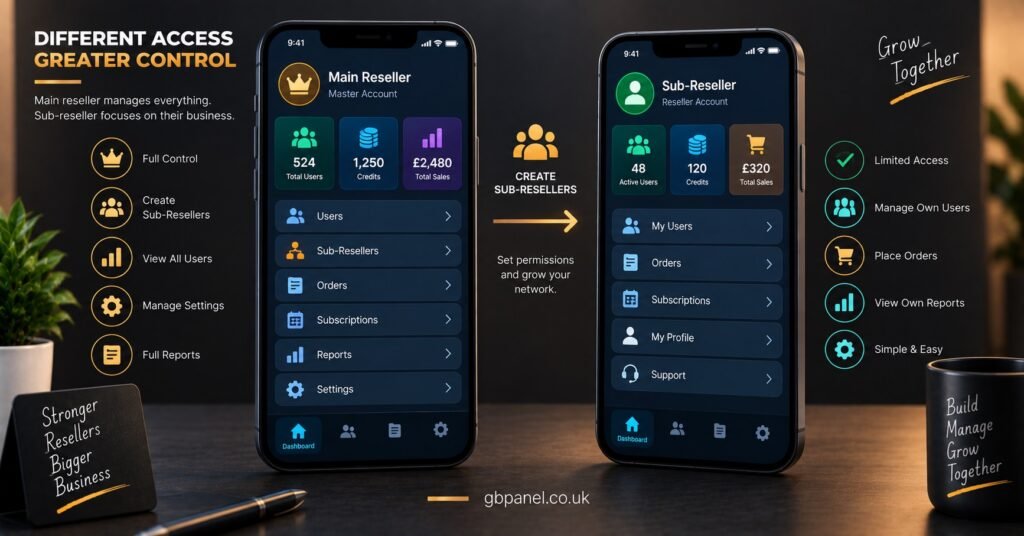
If your operation involves sub-resellers working under your account, it’s worth checking separately whether their permissions and dashboard view behave the same way on mobile as your own. Some panels apply full mobile functionality only to the main reseller account, while sub-reseller logins get a stripped-back view with fewer working features on a phone. That distinction rarely appears on a pricing page, so it needs asking about directly if you plan to extend access to anyone else.
Panels that publish clear dashboard features for UK IPTV panel resellers tend to be more upfront about what mobile users actually get, since the feature set is described rather than implied. It’s also worth reading through a provider’s white label reseller panel setup guide if branding matters to you, since white label dashboards don’t always carry mobile functionality across in the same way as the standard interface.
Buyer’s Mobile Access Checklist
- Load the dashboard on your own phone before paying for any package
- Ask directly whether there’s a dedicated app, and for which phone systems it supports
- Test account creation and renewal on mobile data, not just wifi
- Confirm sub-reseller logins get the same mobile functionality as the main account
- Check whether expiring accounts trigger any kind of mobile notification
- Get a demo or screen-share of the mobile dashboard if a free trial isn’t offered
IPTV Reseller Panel Mobile Access Questions
Does every IPTV reseller panel have a mobile app?
No. Some providers offer a genuine app, others rely entirely on a browser-based dashboard that resizes for mobile screens. It varies by provider and needs checking directly rather than assumed.
Can I fully run a reseller account from my phone alone?
For many day-to-day tasks like renewals, status checks and account creation, yes, provided the dashboard was built with mobile use in mind. Some administrative or bulk actions may still work better on a desktop screen.
Is a native app better than a browser dashboard?
Not automatically. A well-built responsive browser dashboard can work just as well as a native app for most reseller tasks. What matters is how the specific panel performs, not which category it falls into.
Will mobile access cost extra?
This depends entirely on the provider’s package structure. Some include full mobile functionality at every tier, others limit certain features to higher packages. It’s worth confirming this before choosing a tier based on price alone.
Choosing a panel based on IPTV Reseller Panel Mobile Access means testing the actual dashboard on your own phone rather than trusting a features list, because the phrase gets used to describe everything from a genuine mobile app to a desktop layout that simply doesn’t break on a smaller screen. The providers worth working with are usually the ones willing to show you that experience directly before you commit to a package, and the five minutes it takes to check saves the frustration of discovering the limitations after you’ve already paid for credits.
[…] up to look at a request log with you. The same judgement applies here as when you are choosing a IPTV reseller dashboard on how it behaves rather than how it […]