
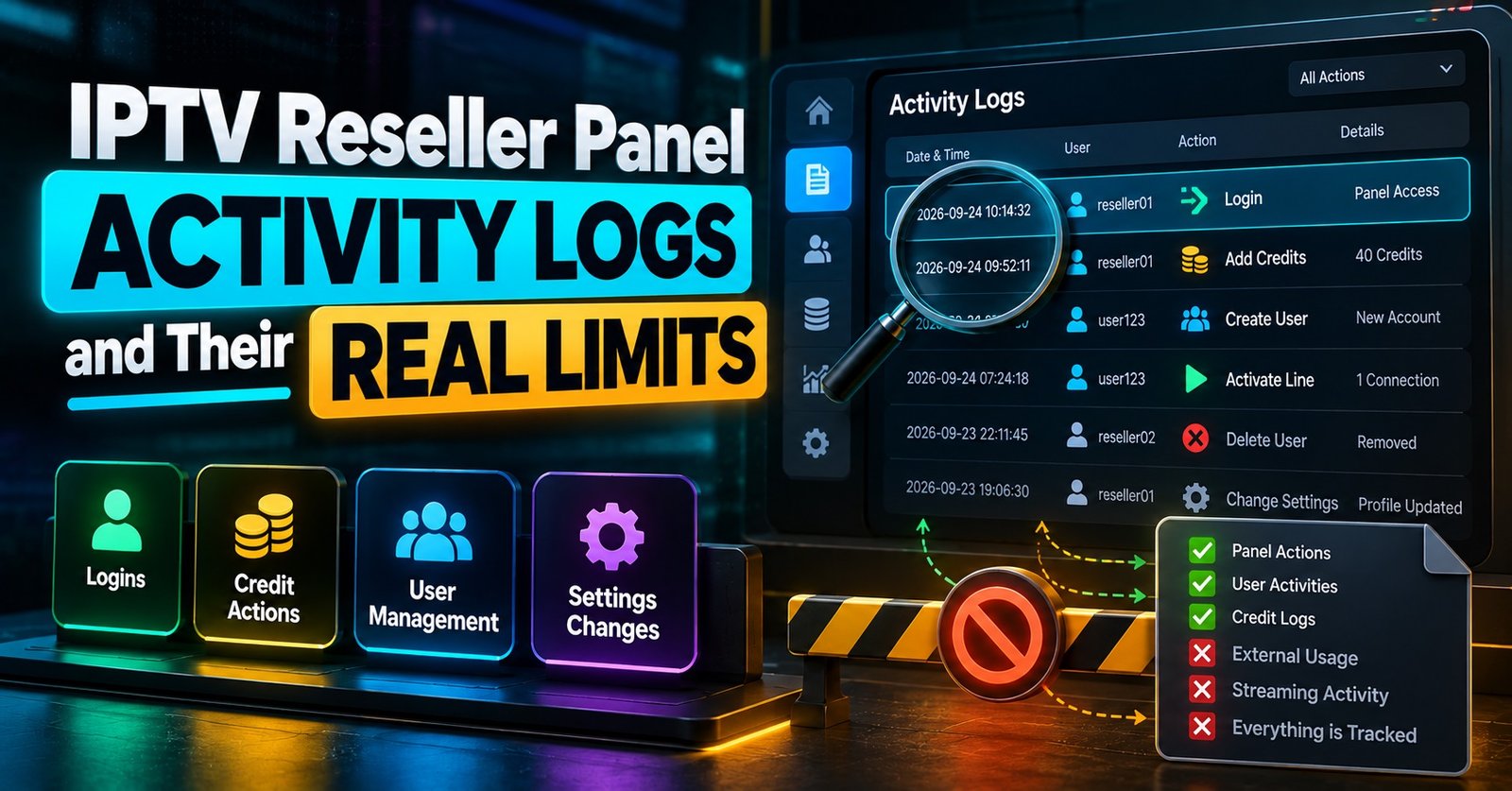
IPTV Reseller Panel Activity Logs are the dated records your dashboard keeps whenever a line is created, extended, edited or deleted, whenever credits move, and, on most panels, whenever someone signs in or a subscriber connects. They let you answer “what happened, when, and which account did it” from evidence instead of memory. That matters most when a customer insists they paid for twelve months and the line shows one.
Not every panel records the same actions, though, and the reseller rarely decides how long entries are kept. Before you lean on logs to settle anything, find out which log views your account can actually open, whether the timestamps line up with your own clock, and whether the main panel clears old records on a schedule. A log that quietly empties itself every few weeks won’t help with a disagreement about something from last quarter.
What Sits Behind the Logs Menu
Most reseller dashboards built on Xtream-style panel software split logging into several separate views rather than one long feed. The names change from panel to panel (“Reseller Logs”, “User Activity”, “Credit History”), but the underlying records tend to fall into the groups below. Resellers usually see a narrower slice than the panel admin, and server-side logs such as stream errors normally stay admin-only.
| Log view | What it records | Open it when |
|---|---|---|
| Activity or reseller log | Line creation, extensions, edits, disabling and deletion, with the account that did it | A line changed and nobody remembers changing it |
| Credit log | Credits added, deducted or refunded, usually with the balance after each movement | Your balance doesn’t match what you’ve sold |
| Login log | Panel sign-ins, typically with time and IP address | You suspect someone else has your panel password |
| Live connections and connection history | Which line is connected, from which IP, and often which app or device | A subscriber keeps getting disconnected or a line looks shared |
| Device events | Registrations and errors for set-top boxes activated by MAC address | A box refuses to authenticate after activation |
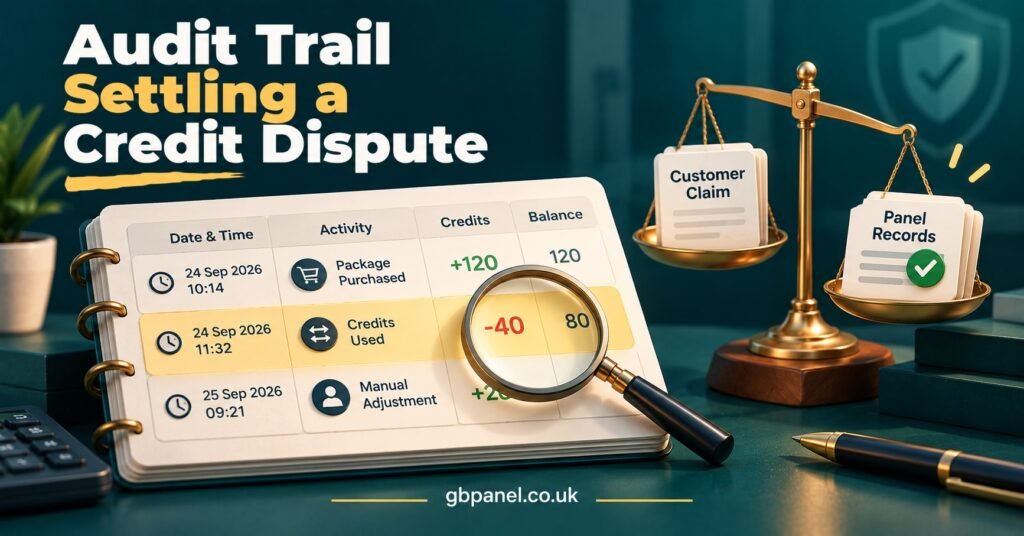
The credit log deserves more attention than it usually gets. It’s the closest thing your panel has to a financial audit trail, and it is where most money disagreements with sub-resellers and customers eventually end up.
Four Arguments a Log Ends Quickly
Logs earn their keep in specific, repeatable situations. Here is how each one usually plays out.
“I paid for a year, but it expired after a month”
Open the activity log entry for that extension and check the duration it recorded, then match it against the credit log deduction made at the same moment. If only one month’s worth of credits left your balance, the mistake happened when the line was extended, not on the server. You can correct it and give the customer a clear explanation. If the full amount was deducted and the expiry date is still wrong, you have a genuine fault to escalate to your provider, with the entry to prove it.
“I never changed anything”
Password changes, package swaps and connection-limit edits normally leave an entry showing which account made them. On a panel with sub-resellers, this is often where you discover a change came from someone further down your tree rather than from the customer or from you.
The line that keeps getting cut off
Connection history shows whether the line had more simultaneous connections than it’s allowed, and from how many different IP addresses. Several addresses at once, in different places, strongly suggests the login has been shared. One address that changes regularly is more likely a phone switching between mobile data and home broadband. Treat the log as a reason to have a conversation with the customer, not as a verdict.
Credits that seem to have vanished
When a balance drops faster than your sales explain, the credit log usually shows transfers to sub-reseller accounts or lines created by a sub-reseller using your balance. Once you can see the entries, the question stops being “where did they go?” and becomes “who approved that?”
Testing IPTV Reseller Panel Activity Logs Before You Rely On Them
Sales pages rarely say which actions a panel logs, and the only reliable way to find out is to create a few deliberate actions and see what appears. The method below uses a single test line so your real customers stay untouched. If your panel offers trial lines that don’t use credits, start with one of those. Some steps will still cost a small number of credits, so decide before you begin how much you’re willing to spend on the test.
- Write down the exact time on your own device before each action. You’ll need it to spot any gap between your clock and the panel’s.
- Create the test line. Check that an entry appears in the activity log, that it names your account, and note the timestamp difference.
- Extend the line or change its package. Confirm the credit log shows the deduction and the new balance, and that the activity log shows the new expiry.
- Change the password, add a note, or edit the connection limit. Some panels only log actions that affect credits, and this step shows you whether yours is one of them.
- Connect the line on one device, then a second. Watch the live connections view, then check whether a record remains in connection history once both devices disconnect.
- Sign out of the panel and sign back in from a different network, such as mobile data. Check the login log for both sessions.
- Delete the test line. Look for the deletion entry and whether any credits were returned.
- Go back to the same entries after a week, and again after a month. If they’ve gone, you’ve learnt your real retention period.
Record each result in a simple sheet with four columns: the action, the entry you expected, whether it was logged, and the time difference. That sheet becomes your reference for what your panel can and can’t prove.
Screenshot placement: Credit log after step 3, showing the deduction and resulting balance, with usernames and IP addresses blurred.
Screenshot placement: Connection history after step 5, showing two simultaneous connections on the test line, with IP addresses blurred.
Pro tip: If the panel’s clock runs on a different time zone from yours, write the offset at the top of your test sheet. Customers quote times in local time, and a one-hour mismatch can make a correct log look wrong.
Where the Logs Stop Being Useful
Logs are strong evidence of what an account did. They are much weaker on almost everything else, and knowing the difference keeps you from overclaiming in a dispute.
Retention is decided upstream. Panel software allows logs to be cleared automatically on a schedule or manually by the admin, so your provider decides how far back you can look. Ask directly and get the answer in writing if disputes are common in your business.
An entry shows which account acted, not which person. If you share your panel login with a helper, the log can’t tell you apart. Separate sub-reseller accounts solve this far better than a shared password.
An IP address is not an identity. It points to a connection at a moment in time, and home broadband, mobile networks and shared Wi-Fi all complicate the picture.
Logs don’t explain playback quality. A subscriber’s buffering complaint may leave no trace in reseller-visible logs at all, because stream and server errors usually sit in admin-only views. For those issues you still need your provider’s support team.
Actions taken on your behalf can look odd. When your provider fixes something for you, the entry may show an admin account rather than yours, which is worth knowing before you assume someone has broken in.
Finally, export options vary. Some dashboards let you download log data, while others only let you view and filter it. If yours is view-only, screenshots taken at the time are your record.
A Short Weekly Routine
Busy IPTV panel resellers tend to open logs only when something has already gone wrong. A brief weekly pass catches most problems while they’re still small.
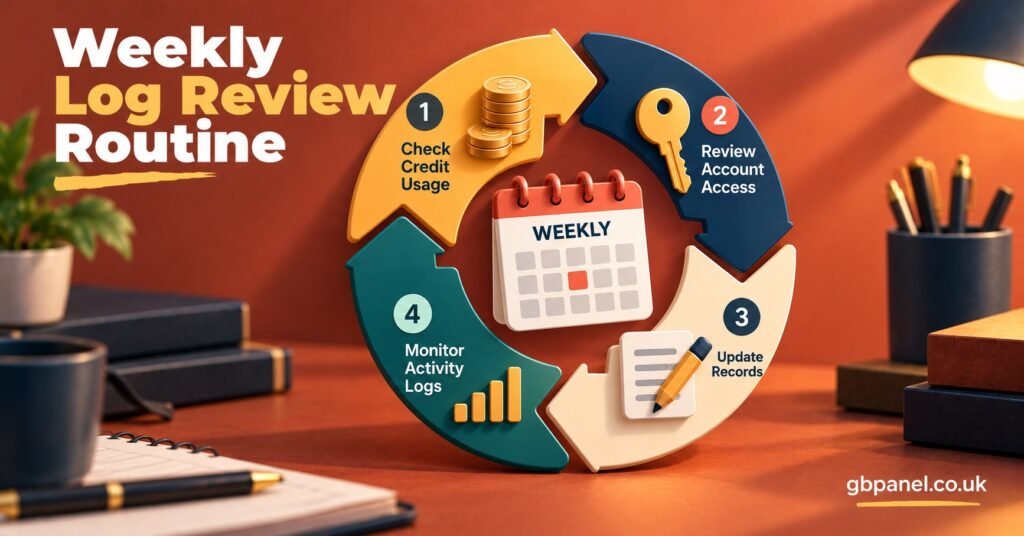
Start with the credit log and compare it against the payments you actually received that week. Any deduction you can’t match to a sale needs an explanation. Then scan the login log for addresses or times that don’t fit your own habits. An unfamiliar sign-in at 3am is the kind of thing you want to find on Monday, not a month later. After that, look through the activity log for deletions and package changes you didn’t make, especially if you run sub-resellers. Save connection history checks for lines a customer has actually complained about, rather than trawling through every subscriber.
Pro tip: Keep your own simple ledger of sales, extensions and payments outside the panel. Logs can be cleared upstream, your own records can’t, and the two together make a far stronger case than either one alone.
Log Data Is Customer Data
Connection and login logs hold IP addresses and device identifiers, and in the UK these are generally treated as personal data under UK GDPR. That has practical consequences for how you use them. Look only at what a specific query needs, don’t post unblurred screenshots in reseller groups or chats, and don’t keep exported copies longer than you need them. If sub-resellers can see your customers’ connection records, think about whether they genuinely need that access.
It is also worth being clear about what logs are. They’re an administration tool for managing accounts and credits. They say nothing about whether the content delivered through a service is properly licensed, which depends on rights and permissions held by whoever supplies it.
If you’re comparing providers, ask three questions before buying credits: which log views resellers can open, how long entries are kept, and whether any log data can be exported. You can review UK IPTV reseller panels and credit options at GB Panel with those same questions in mind.
Frequently Asked Questions
Can a reseller delete entries from the activity log?
Normally not. Clearing or truncating logs is an admin function on the main panel, which is exactly why logs carry weight in a dispute. If entries disappear, the likeliest cause is an automatic clear-out set by the provider.
Why doesn’t the log time match my phone?
The panel records times using the server’s clock and time zone. Run the timing check from the test above once, note the offset, and apply it whenever a customer quotes a time.
Do my sub-resellers’ actions appear in my logs?
On many panels they do, within your own reseller tree, but visibility depends on how permissions are set. Create a test line from a sub-reseller account and check whether it shows up in your view.
Can connection history prove a customer is sharing their login?
It can show several simultaneous connections from different addresses, which is a strong sign. It isn’t proof of who was watching, so raise it with the customer calmly before taking any action on the line.
Where This Leaves You
IPTV Reseller Panel Activity Logs are most valuable when you already know what they capture and how long they last. Run the test once, write down what your panel logs and what it skips, and keep your own sales records alongside the panel’s. Do that, and a credit dispute or a “someone changed my account” complaint becomes a five-minute check rather than an argument. Just remember that logs record account actions, not people or picture quality, and plan your support process around that.
Reseller Log Review Checklist
- Confirm which log views your reseller account can open, and which are admin-only
- Run the test-line check and keep the results sheet somewhere safe
- Note the time offset between the panel clock and your own
- Ask your provider how long each log type is kept before it is cleared
- Match the credit log to received payments every week
- Scan login entries for unfamiliar addresses or odd hours
- Give each helper or sub-reseller their own account instead of sharing your login
- Blur IP addresses and usernames in any screenshot you save or share