
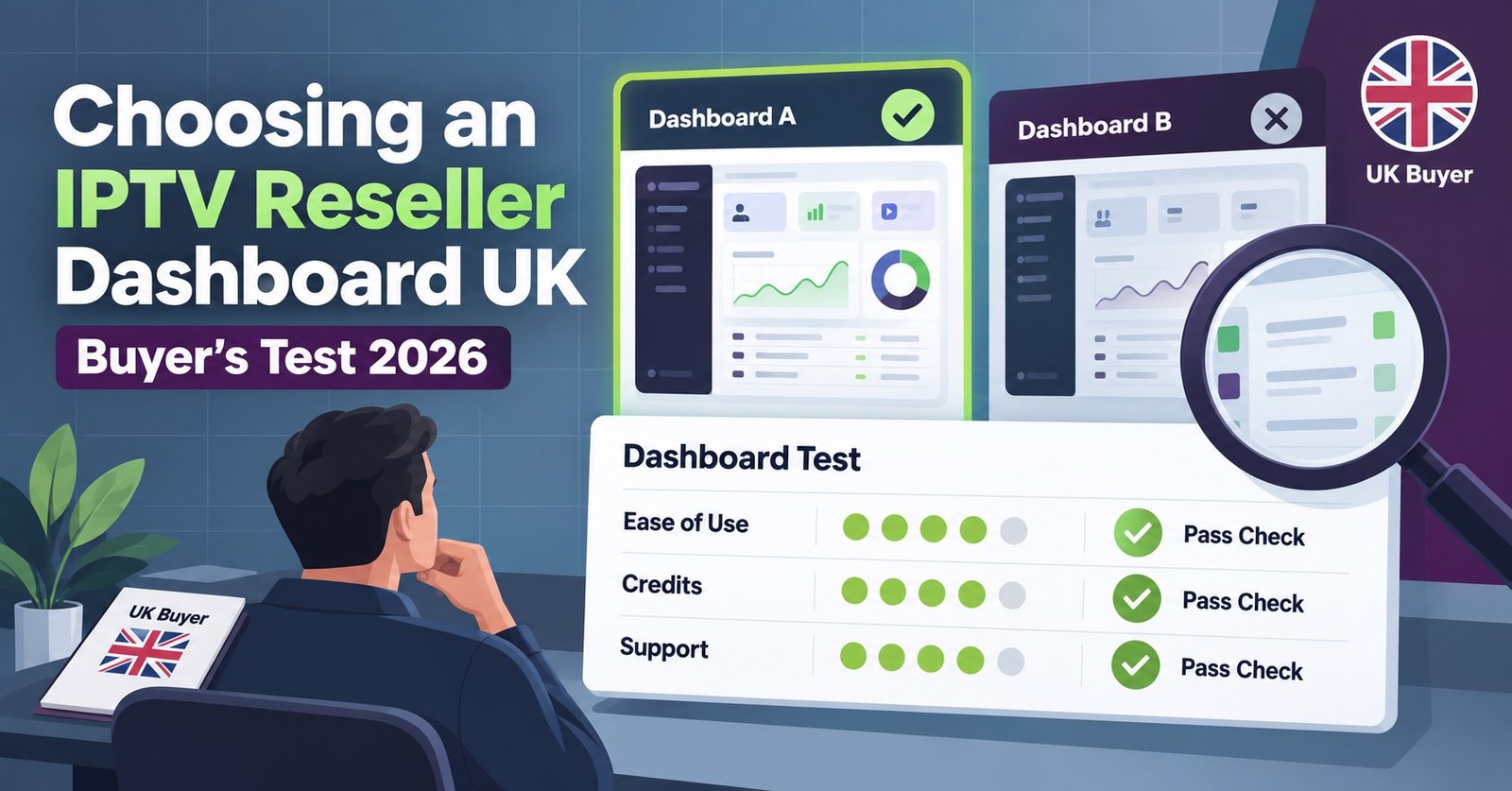
An IPTV Reseller Dashboard UK buyer should judge on five things: credit visibility, how many clicks each account action takes, whether renewals are flagged automatically, whether there’s an activity log, and how the support team answers before you’ve paid anything. Most dashboards look identical in a screenshot. The differences only show up once you’re actually clicking through one, which is exactly why so many resellers end up switching platforms within their first few months.
What to Check Before You Commit to an IPTV Reseller Dashboard UK
Nearly every IPTV reseller panel markets itself with the same three words: simple, powerful, reliable. None of those words tell you anything useful. What actually separates a workable dashboard from a frustrating one is more mundane than the marketing suggests.
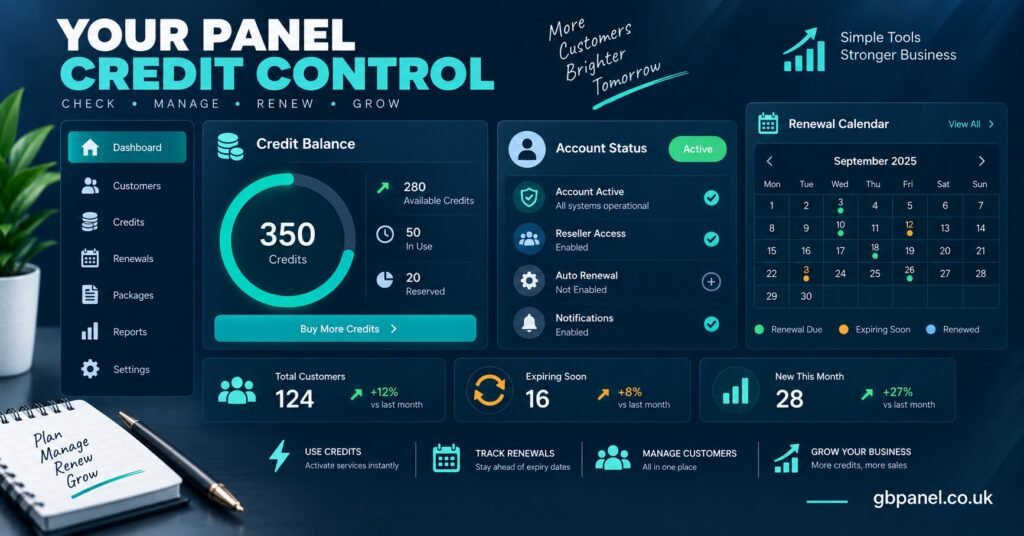
Start with credit visibility. Can you see your remaining balance from every screen, or do you have to navigate to a separate page to check it? That sounds trivial until you’re mid-conversation with a customer and need to confirm you can create their account right now.
Next, look at account actions. Creating a customer, renewing one, suspending one, these should each take a handful of clicks, not a support ticket. If a dashboard buries renewal behind three menus, that’s three menus you’ll be clicking through dozens of times a week.
Then there’s the activity log. This one gets overlooked constantly, but it matters more than most features on a pricing page. When a customer disputes what happened to their account, or when you’re trying to remember whether you renewed someone last Tuesday or the Tuesday before, a proper log settles it in seconds. Without one, you’re relying on memory and old messages.
Run This Five-Minute Test on Any Demo Account
Reading a features list tells you what a dashboard claims to do. Testing one tells you what it actually does. Before committing to any provider, ask for a demo login or a short walkthrough call, then run through this sequence yourself.
First, create a test account from scratch and time it. Anything over two minutes for a straightforward account suggests the interface has friction somewhere it shouldn’t.
Second, check what happens when an account is close to expiring. Does the dashboard flag it on its own, or do you need to remember to check manually? This is the single feature that separates resellers who lose customers quietly from resellers who don’t.
Third, filter the account list by status. A working filter for active, expiring, and expired accounts should return results instantly. If it’s slow, or if the filter options are limited, that’s a sign of how the underlying system was built.
Fourth, open the activity log for the test account and see what it records. Does it log who made a change and when, or just that something happened at some point?
Pro tip: Ask the provider to let you keep the demo account active for a day or two rather than a single call. Problems with a dashboard rarely show up in the first five minutes, they show up once you’ve used it a handful of times.
Where Reseller Dashboards Usually Fall Short
A dashboard can look complete on the surface while missing the parts that matter once you’re running it day to day. These are the patterns worth watching for.
| Warning sign | Why it matters |
|---|---|
| No renewal alerts | You find out an account has lapsed from an annoyed customer message, not from the system |
| Vague credit expiry terms | You can lose paid-for credits without ever being told the clock was running |
| No activity log | Disputes with customers become a matter of who remembers correctly |
| Support only reachable after purchase | You can’t judge response quality until you’ve already committed |
| No sub-reseller permission controls | Any attempt to delegate access means sharing your own full login |
None of these are dealbreakers in isolation. A dashboard with slightly vague credit terms but excellent support might still be a reasonable choice. The pattern to watch for is more than one of these showing up at once.
Credit Systems and Pricing Structure
Most reseller dashboards in the UK work on a credit model rather than a flat subscription. You buy a block of credits upfront, and each account you create or renew draws from that balance. The appeal is straightforward: no monthly minimum, and your spend tracks your actual customer volume rather than a fixed fee regardless of how quiet or busy a month is.
Where this gets complicated is in how providers price their credit tiers. Smaller starter packs typically cost more per credit than bulk packages, which makes sense from the provider’s side but means a reseller who buys small repeatedly ends up paying more over time than one who commits to a larger tier upfront. Understanding how cost per credit actually scales before you buy is worth ten minutes of reading.
Sub-Reseller and Permission Controls
If you plan to bring on sub-resellers eventually, even if not right away, check whether the dashboard supports tiered permissions before you commit. Retrofitting delegated access onto a system that wasn’t built for it usually means handing over your main login credentials, which is a genuine security risk and removes any ability to see who did what.
A properly built IPTV reseller panel with sub-reseller support should let you grant limited management access, restrict what a sub-reseller can see or change, and still keep a full activity trail. This matters even if you’re a one-person operation today. Businesses that grow into sub-reseller structures rarely plan the switch months in advance, it tends to happen because an opportunity comes up faster than expected.
Support Quality Is Part of the Dashboard
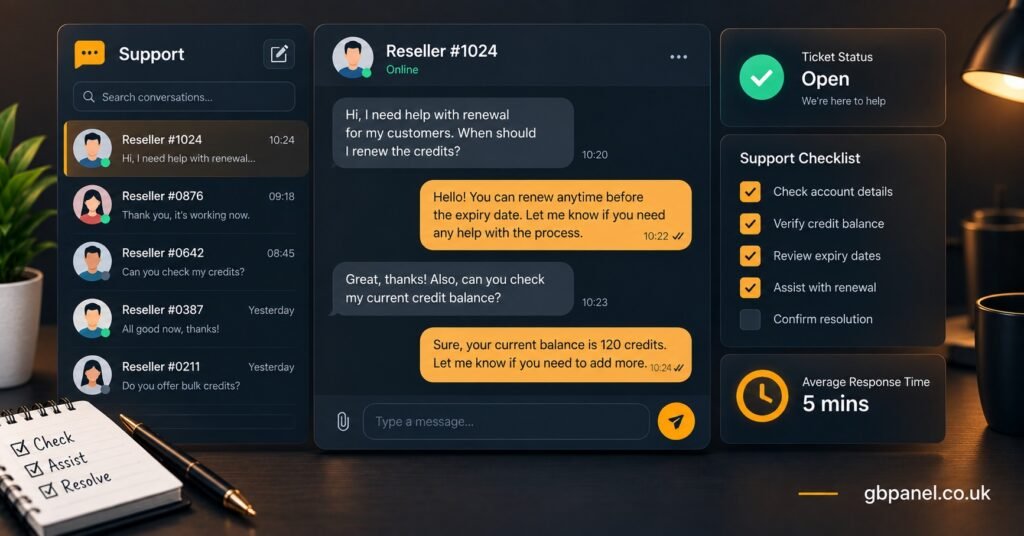
It’s easy to treat support as separate from the software itself, but for a reseller dashboard the two are inseparable. When an account fails to activate, or a renewal doesn’t process correctly, how quickly and clearly the support team responds is effectively part of the product you’re paying for.
Test this before you buy, not after. Send a genuine question through whatever contact channel is offered, ideally outside of standard office hours, and see how long it takes to get a useful answer rather than a generic acknowledgement. A provider that answers plainly, including admitting when something isn’t built yet, is generally more trustworthy long-term than one that promises everything is possible.
Matching the Dashboard to Your Actual Scale
The right dashboard tier depends on how many accounts you’re actually managing, not how many you hope to manage in a year. A reseller with a dozen customers doesn’t need the same permission structure or credit volume as one running several hundred accounts across multiple sub-resellers.
Be honest about your current numbers when comparing IPTV reseller panel packages built for different operation sizes. Buying a larger tier than you need ties up money in credits that sit unused. Buying too small means constant top-ups and, in some cases, losing access to features like sub-reseller controls that only unlock at higher tiers.
IPTV Reseller Dashboard UK Buyer Questions
Is a free trial enough to judge a reseller dashboard properly?
A short trial helps, but the real test is using the dashboard for actual tasks rather than clicking through it once. Ask specifically for enough access to create, renew, and check an account, not just a guided demo.
Do all IPTV reseller dashboards in the UK work the same way underneath?
No. The core idea of managing credits and accounts is similar across providers, but how renewals are flagged, how activity is logged, and how permissions are structured can differ significantly between platforms.
Should I choose a dashboard based on price per credit alone?
Price per credit matters, but a cheaper credit that costs you hours of manual renewal tracking each month isn’t actually cheaper. Weigh the credit cost against how much time the dashboard saves you.
Can I switch reseller dashboards later if I choose wrong?
Yes, though it usually means manually recreating your customer accounts on the new platform, since account data typically doesn’t transfer between providers. This is another reason to test properly before committing.
What’s the biggest mistake resellers make when evaluating a dashboard?
Judging the dashboard from its marketing page rather than its actual interface. A features list can describe something the interface handles clumsily, and the only way to know the difference is to click through it yourself.
An IPTV Reseller Panel Dashboard UK is worth choosing carefully, because the decision affects how much time you spend on admin every single week you’re reselling. Run the five-minute test on a real demo account, check for an activity log and automatic renewal flags, and be honest with yourself about the scale you’re actually operating at rather than the scale you hope to reach. A dashboard that fits your current operation properly will save you far more time than one chosen purely on price.
Dashboard Evaluation Checklist
- Credit balance visible from every main screen, not buried in a submenu
- Account creation takes under two minutes for a straightforward customer
- Renewals are flagged automatically before an account lapses
- Activity log records who did what and when
- Sub-reseller permissions available, even if you don’t need them yet
- Support tested through a real question before purchase, not just read about
- Credit expiry terms clearly stated before you buy, not discovered afterwards
- Package tier matches your actual current account volume, not a future guess
[…] flow one direction only, from the parent IPTV reseller’s balance to the sub-reseller’s usage. The parent pays the panel provider, the sub-reseller […]