
An IPTV Reseller Panel Trial usually means short, restricted access to a dashboard so you can see how account creation, credit deduction and renewals actually work before you pay for a package, rather than an open-ended free run of the software. Not every provider offers one, and where a trial does exist, it typically comes with limits on the number of test accounts, the trial length, or which features are switched on. Before you request access or write off a provider that doesn’t offer one, it helps to know what a trial can realistically show you and where its limits sit.
What to Expect From an IPTV Reseller Panel Trial
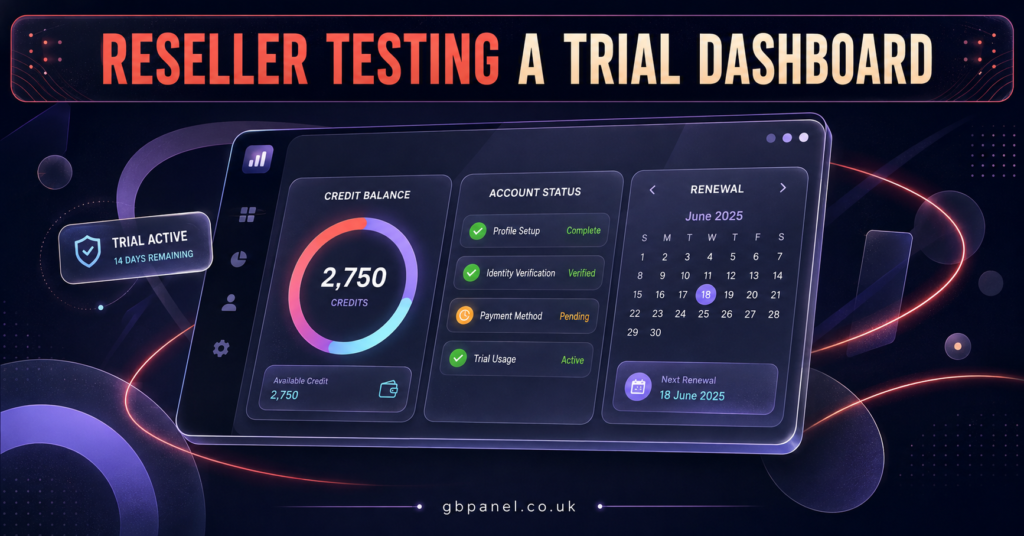
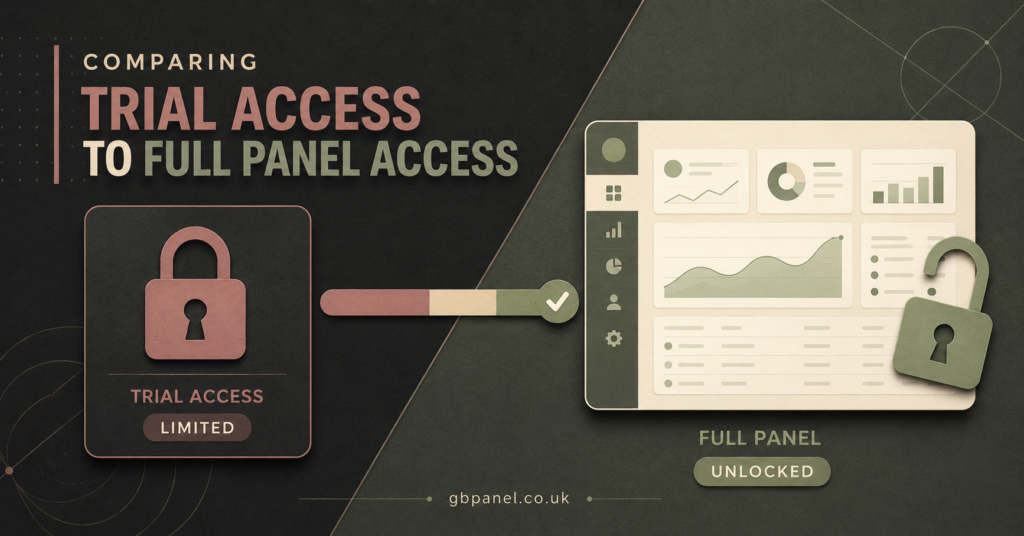
A trial, when a provider offers one, is rarely a scaled-down version of the full dashboard. It’s usually the same dashboard with a cap placed on it: a handful of test credits, a short time window, or both. You’ll typically be able to create a few sample accounts, watch how the credit balance moves when you do, and get a feel for how renewals are flagged and actioned. What you often won’t get is access to sub-reseller controls, custom package requests, or the support escalation paths that come with a paid tier, since providers understandably keep those behind an actual purchase.
The point of a trial isn’t to run a business on it. It’s to confirm the dashboard behaves the way the sales conversation described, before you commit money to credits you can’t easily get refunded.
Why Some Panels Offer Trials and Others Don’t
Reseller panels run on a credit model, and every credit issued costs the provider something on the backend, whether that’s server capacity, content licensing arrangements, or simple account provisioning. A provider handing out trial credits is absorbing that cost speculatively, betting that enough trial users convert into paying resellers to make it worthwhile. Smaller or newer providers sometimes can’t afford that math, so they offer a recorded walkthrough or a live demo call instead of hands-on access.
Neither approach is automatically a red flag. A provider without a trial isn’t necessarily hiding something, and a provider with one isn’t automatically more trustworthy. What matters more is how each one handles the questions you ask around it.
Trial Access Versus a Sales Demo
These two get confused often enough that it’s worth separating them plainly.
| What You’re Offered | What It Actually Tells You |
|---|---|
| Live login to the dashboard | You can test real functionality yourself |
| A recorded screen-share video | You see the interface, not how it behaves for your inputs |
| A scheduled call with a rep talking you through it | Useful for questions, but not independent verification |
| Read-only or sandboxed access | Limited, but still lets you check layout and account status logic |
A genuine trial gives you the keyboard, even briefly. Everything else is a presentation of the product, which has its place but shouldn’t be mistaken for testing.
Pro tip: If a provider offers a call instead of access, ask them to create a test account live on screen while you watch, rather than showing you a pre-built demo account that’s been set up in advance.
Questions Worth Asking Before You Take a Trial
Getting access is only useful if you know what to check once you’re inside. A few questions tend to separate a productive trial from a wasted half hour:
- How many test credits am I given, and do they expire on a fixed date?
- Can I create and renew an account, or only view existing sample data?
- Will anything I do during the trial carry over if I upgrade to a paid package?
- Is sub-reseller access included in the trial, or only unlocked on payment?
- What happens to any real customer I sign up during the trial period?
That last one matters more than it looks. Signing up an actual paying customer while you’re technically still testing the panel puts you in an awkward spot if the trial account gets wiped or the terms change once you convert.
Warning Signs During a Trial
A few patterns are worth noticing if they come up while you’re testing access.
Pressure to commit before the trial period ends is one of the more common ones. A provider confident in their dashboard doesn’t usually need to rush you into a package decision within 24 hours of getting access. Vague answers about what happens to trial data are another. If nobody can tell you plainly whether your test accounts get deleted or merged into a paid account, that’s a gap in their own process, not just an awkward question.
Watch also for a trial that only shows you the parts of the dashboard that look polished. If credit management and account creation work smoothly but renewal tracking is conveniently “still being finished,” ask directly rather than assuming it’ll sort itself out later.
Good Signs Worth Noting
On the other side, a few things suggest the provider runs a properly maintained operation. Clear written terms for what the trial includes, sent before you even ask, save you from having to chase basic information. A support team that answers specific technical questions about account limits or renewal logic, rather than redirecting you to marketing copy, usually means the people behind the panel actually understand it. And a straightforward answer about what a full package costs once the trial ends, without vague “message us for pricing” deflection, tends to correlate with a provider who isn’t planning to surprise you later.
Pro tip: Ask what your trial credits would have cost as part of a real package. If the number doesn’t roughly line up with their published tiers, get clarification before you go further.
What Happens After the Trial Ends
Once the window closes, most providers expect one of three outcomes: you buy a package and continue with the same login, your trial account is suspended pending payment, or the account and any test data are removed entirely. This is worth confirming upfront rather than assuming, because it affects how you use the trial. If test data won’t survive the switch to a paid tier, there’s little point building anything resembling a real customer list during the trial itself. Use the window for testing behaviour, not for onboarding your first genuine customer.
For a clearer picture of what you’re actually paying for once the trial period is over, it helps to look at how IPTV reseller panel pricing in the UK is usually structured, since most providers price by credit volume rather than a flat monthly fee.
Deciding Without a Trial
If a provider you’re seriously considering doesn’t offer one, that doesn’t have to be a dead end. Ask instead for a walkthrough where you can direct what gets shown, rather than sitting through a fixed script. Request their written terms on credit expiry and refunds before paying, since those terms tell you almost as much as hands-on access would. And start with the smallest package available if one exists, treating your first real credit purchase as a low-stakes test rather than a full commitment. Understanding how IPTV reseller credits work before you buy your first batch makes this a much less risky way to test a provider properly.
IPTV Reseller Panel Trial Evaluation Checklist
- Confirm whether access is a live login or a guided demo call
- Ask how many test credits are included and their expiry date
- Check whether trial data carries over to a paid account
- Get written terms on what happens if you don’t convert
- Test account creation, renewal, and status tracking yourself
- Ask what a full package costs before the trial period ends
- Avoid signing real paying customers during the trial window
Frequently Asked Questions
Does every IPTV reseller panel offer a free trial?
No. Some providers offer limited trial access, others offer a guided demo instead, and some require a paid package from the start.
How long does a typical reseller panel trial last?
This varies by provider and isn’t standardised, so it should always be confirmed directly rather than assumed.
Can I use trial credits on a real paying customer?
You can, but it’s worth confirming first whether that account and its data will survive if the trial ends or converts to a paid tier.
What’s the difference between a trial and a demo?
A trial gives you hands-on access to create and manage test accounts yourself. A demo is usually someone else showing you the dashboard on a call or in a recorded video.
Should I avoid a provider that doesn’t offer a trial?
Not necessarily. A written breakdown of terms, clear pricing, and a responsive support team can tell you nearly as much as trial access would.
What should I check first once I get trial access?
Start with account creation and credit deduction, since those two functions reveal the most about how the dashboard actually operates day to day.
An IPTV Reseller Panel Trial is worth requesting when one is available, but it’s a testing window, not a business plan. Use it to confirm account creation, credit deduction and renewal tracking behave the way you were told, ask direct questions about what survives once the trial ends, and treat vague answers as a signal rather than a formality. If a provider doesn’t offer a trial at all, written terms and a straightforward support conversation can still get you most of the way to a confident decision. Whichever route you take, start small: your first real credit purchase should feel like a continuation of what you already tested, not a leap of faith. For a broader look at getting started as a reseller in the UK, this beginner’s guide to starting an IPTV reseller business is a useful next read.
[…] IPTV reseller panel credits work the same way regardless of which package you buy, so understanding how the credit system behaves before you commit to a tier size will save you from over-buying at any stage. […]