
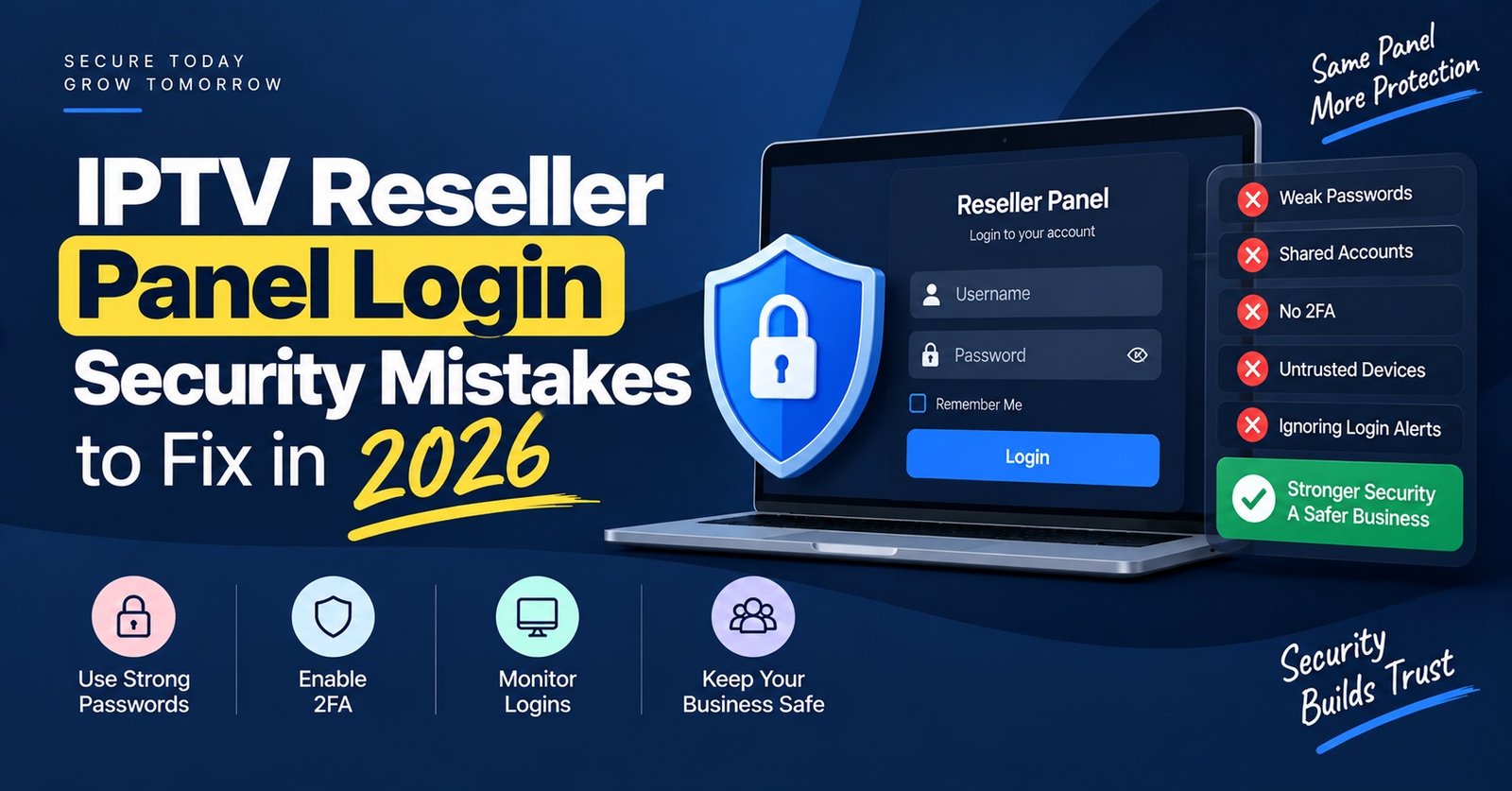
IPTV Reseller Panel Login Security comes down to three things you control today: a long password used nowhere else, a second factor wherever your panel offers one, and knowing exactly who else can reach your dashboard. If someone gets into your reseller account, they can spend your credits, create or extend lines you never sold, read your customers’ details and change the password so you are the one locked out. The login is not a small technical detail. It is the key to the whole business.
Before you change anything, find out whether your panel shows a login history or active sessions page. If it does, open it now and look at the last few weeks, because it tells you whether you are protecting against a future risk or cleaning up a current one. If it does not, that missing page is the first thing to raise with your provider, since you cannot defend an account you have no way of watching.
What Someone Can Actually Do With Your Panel Login
Most resellers picture a hacker “stealing the account”. The real damage is usually quieter and more expensive.
The most direct loss is credits. Whoever is logged in can create new lines, extend existing ones or hand out trials, and each of those actions draws on a balance you paid for. Because the activity looks identical to your own work in the panel, it can go unnoticed until the balance is suspiciously low or a top-up runs out early.
The second loss is customer trust. A panel usually holds usernames, line passwords, expiry dates and often your own notes, which may include names, phone numbers or email addresses. If that information is exposed, you have a customer problem and potentially a legal one. Under UK GDPR, a personal data breach generally has to be reported to the ICO within 72 hours of you becoming aware of it, unless it is unlikely to pose a risk to the people affected. Resellers in other English-speaking countries have their own reporting rules, so check what applies where you trade.
The third loss is control. If you run sub-resellers, a compromised parent account can be used to change their permissions or balances, which turns one weak password into a problem for everyone below you.
Where Reseller Logins Usually Leak
Very few reseller accounts are lost to someone cleverly guessing a password from scratch. The common routes are far more ordinary.
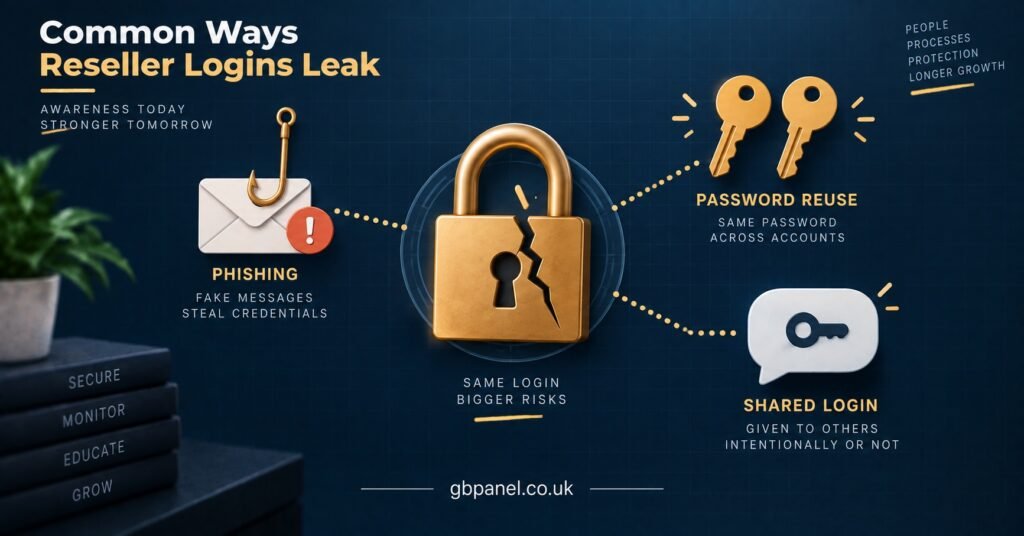
Password reuse is the biggest one. If the email and password you use for the panel also opened an old forum account, a shopping site or a previous provider’s dashboard, and any of those has ever been breached, that combination may already be circulating in credential lists. Attackers try those lists against many login pages automatically.
Lookalike login pages come next. A message arrives saying your panel needs “urgent verification” or your credits are about to expire, with a link to a page that looks exactly like your dashboard. The address is slightly different, you enter your details, and they go straight to someone else.
Then there is sharing. Resellers who get busy often give the main login to a helper, send it over a chat app, or save it in a browser on a shared family computer. Each copy of the password is another place it can escape from, and once it is shared you can no longer tell whose actions are whose.
Finally, the email account behind the panel is often forgotten. If your password reset link goes to an old inbox with a weak password and no second factor, the panel is only as strong as that inbox.
Building Stronger IPTV Reseller Panel Login Security
The order below matters. Each step closes a more common hole than the one after it.
Length beats clever symbols
Current guidance has moved away from short, complicated passwords. NIST’s latest authentication standard requires passwords used as the only factor to be at least 15 characters long, and it no longer allows rules forcing a mix of character types. In practice, a passphrase of several unrelated words is both longer and easier to type than a jumble of symbols. What matters most is that it is unique to the panel. NIST
A password manager makes this painless. It generates the password, stores it, and only fills it in on the real login address, which also gives you some protection against lookalike pages.
Pro tip: If your password manager refuses to autofill on a login page you opened from a link, stop. That refusal is often the first sign the address is not your real panel.
Stop rotating passwords on a schedule
Many IPTV panel resellers change their panel password every month and feel safer for it. The same NIST standard says users should not be forced to change passwords periodically. Scheduled changes tend to produce predictable variations of the old password. Change it immediately when there is a reason to, such as a suspicious login, a helper leaving, or the password turning up in a breach alert. NIST
Add a second factor, and prefer an app over SMS
If your panel offers two-factor authentication, switch it on today. An authenticator app on your phone is generally stronger than codes sent by text message, because text codes can be intercepted if someone takes over your mobile number. SMS is still far better than nothing.
Some reseller dashboards only offer a username and password. In that case, protecting the email account behind the panel with a second factor becomes even more important, because that inbox is your recovery route.
One person, one login
If anyone else works in your panel, they should have their own sub-account or staff login with only the permissions they need. That way you can remove one person without changing everything, and the activity log shows who did what. If your panel cannot create limited accounts, keep the main login to yourself and have helpers send requests to you instead.
Reach the panel the same way every time
Bookmark the correct login address once, check it carefully, and only ever use the bookmark. Never log in from a link in a message, even one that appears to come from your provider.
A 20-Minute Login Audit You Can Run on Your Own Panel
Advice is only useful if you can check it against your own setup. This is a simple audit any reseller can run without technical knowledge. Take a screenshot at each step and save them in a dated folder, because that gives you a baseline to compare against next time and evidence if you ever need to raise a dispute with your provider.
- Open your bookmarked login page and check the address bar. The domain should be exactly the one your provider gave you, and the connection should show as secure. Screenshot the address.
- Log in and look for a login history, activity log or sessions page. Compare the dates, times and locations against when you actually logged in. Anything you cannot explain goes on a list.
- Open your sub-reseller and staff accounts. Note every account, when it was last used, and whether that person still works with you. Unused accounts should be disabled.
- Check your current credit balance and compare it with your own sales records for the last fortnight. A gap between the two is worth investigating before anything else.
- Look through recently created or extended lines. Lines you do not recognise, especially trials, can be a sign someone else has been active.
- Find your security or profile settings. Note whether two-factor authentication is available, and whether it is switched on.
- Check which email address receives password resets. Then log in to that inbox and confirm it has its own strong password and second factor.
- Log out, then press your browser’s back button. You should land on the login page, not back inside your dashboard. If the dashboard reappears and still works, sessions may not be ending properly, so raise it with your provider.
Repeat the audit monthly, or straight away after anything unusual. It takes longer the first time and becomes a quick routine after that.
Pro tip: Write your credit balance down at the end of each working day. A two-second note is the cheapest early warning system a reseller can have, and it works even on panels with no activity log.
Who Controls Which Part of the Login
Some weaknesses you can fix tonight. Others sit with your provider, and the right move is to ask the question and protect yourself in the meantime.
| Weak point | Who can fix it | What you can do meanwhile |
|---|---|---|
| No two-factor option on the panel | Provider | Use a long unique password and secure the recovery email with its own second factor |
| No login history or activity log | Provider | Track your credit balance daily and keep your own sales records |
| One login shared with helpers | You | Create limited sub-accounts or keep the login to yourself |
| Same password used elsewhere | You | Change it now to a unique passphrase stored in a password manager |
| Resets going to an old inbox | You | Move the recovery address to an email you actively secure and check |
| Sessions that never seem to expire | Provider | Log out manually and never use the panel on shared devices |

If You Think Someone Has Already Been In
Speed matters more than perfection here. Work through this in order.
Secure your email first. If the attacker controls the inbox that receives password resets, changing the panel password achieves nothing, because they can simply reset it again. Change the email password from a device you trust and turn on its second factor.
Then change the panel password, again from a trusted device, and end any other active sessions if your panel allows it.
Contact your provider with specifics rather than a general complaint: the times of the logins you do not recognise, your credit balance before and after, and the lines you did not create. Your audit screenshots are useful here. Ask whether they can see the IP addresses involved and whether unauthorised lines can be disabled.
Next, check your sub-resellers and warn them if their accounts sit under yours. Finally, think about your customers. If their personal details were visible in the panel, work out whether you have a reporting duty and whether they should be told, rather than hoping nobody notices.
Questions Worth Asking Your Panel Provider
Login security is partly a provider decision, so it is fair to ask about it before you buy credits and again once you are established. Useful questions include whether two-factor authentication is available, whether you can see your own login history, how sub-accounts and permissions work, what happens after repeated failed login attempts, and how they handle a reseller reporting a suspected compromise.
A provider who answers these clearly is showing you how seriously they take the accounts they host. When you compare UK IPTV reseller panel options, treat these answers as part of the product, alongside support and credit terms. It is also worth remembering that a panel is delivery and management software. Secure logins protect your business, but the services you distribute still need the proper rights and permissions for the markets you sell in.
Frequently Asked Questions
Should I change my reseller panel password every month?
No. Regular forced changes tend to produce weaker, predictable passwords. Use one long, unique passphrase and change it straight away whenever there is a real reason, such as an unexplained login or a helper leaving.
Is a text message code good enough as a second factor?
It is much better than a password alone, but an authenticator app is stronger because it does not depend on your mobile number staying under your control. Use the app if your panel supports it.
Can I let my assistant use my main login?
It is safer to give them their own limited account. Sharing the main login means you cannot remove their access cleanly, and you lose the ability to tell whose actions are whose in the activity log.
My panel has no two-factor option. Should I leave the provider?
Not automatically. Ask whether it is planned, protect the recovery email with its own second factor, and watch your credit balance closely. If the provider also offers no login history and no clear process for compromise reports, that combination is a stronger reason to reconsider.
Keeping Your Panel in Your Hands
IPTV Reseller Panel Login Security is less about expensive tools and more about closing the ordinary gaps: reused passwords, shared logins, forgotten recovery inboxes and links clicked in a hurry. A unique passphrase, a second factor on both the panel and the email behind it, and a monthly 20-minute audit will put you ahead of most resellers. Some protections, such as login history and two-factor support, depend on your provider, so ask about them directly. Start with the audit this week, save the screenshots, and you will know exactly where your account stands.
Reseller Login Security Checklist
- Panel password is at least 15 characters and used nowhere else
- Password stored in a password manager, not a browser on a shared computer
- Two-factor authentication switched on for the panel, if available
- Recovery email protected with its own strong password and second factor
- Login address bookmarked and used every time
- Every helper has a separate limited account, or none at all
- Unused sub-reseller and staff accounts disabled
- Credit balance noted daily and compared with sales records
- Monthly audit completed with dated screenshots saved
- Provider’s process for reporting a compromise known in advance
[…] single most useful thing to understand about a IPTV reseller panel is that it is a hierarchy with a ceiling at every level. Your provider’s admin account […]